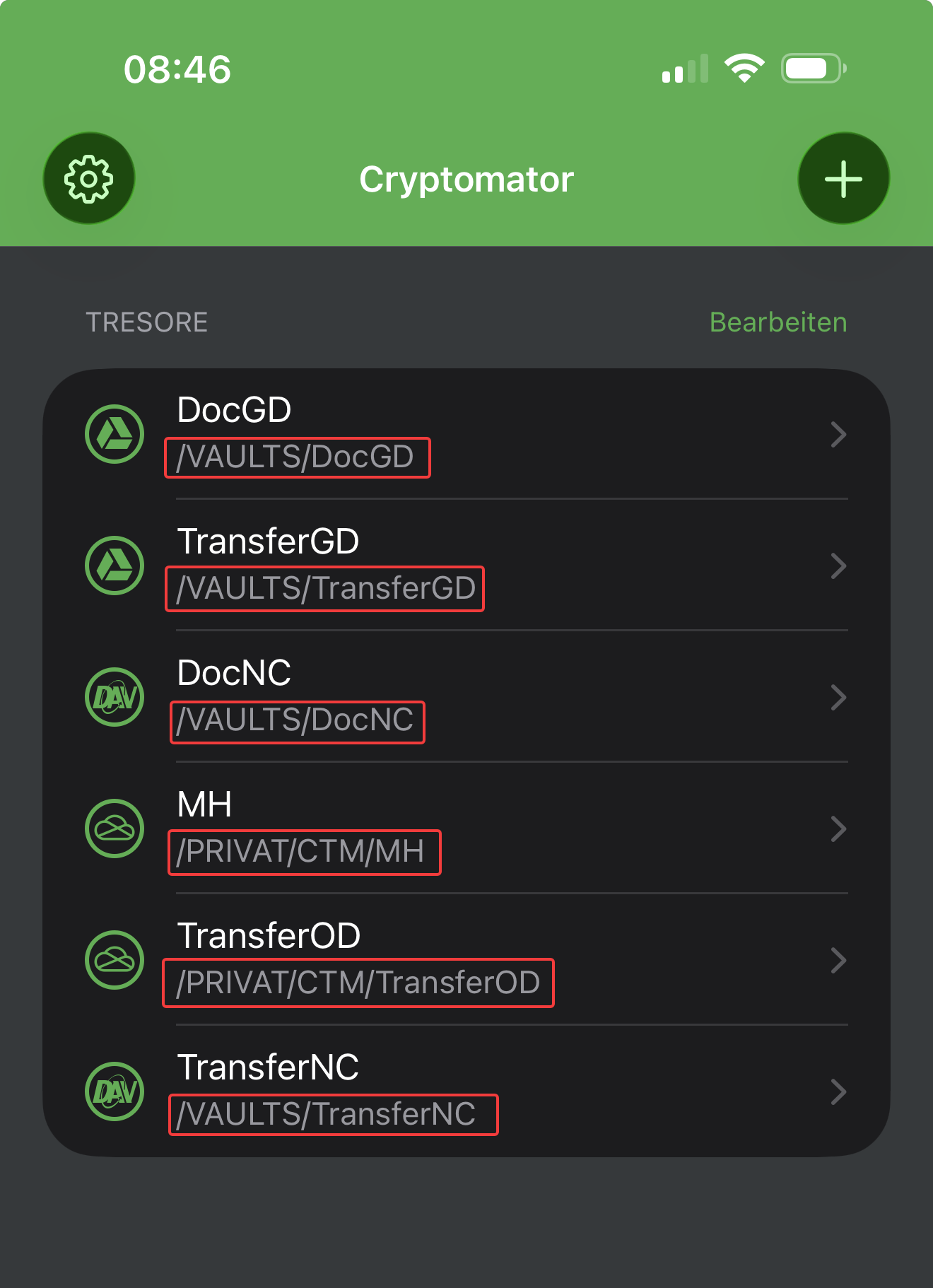
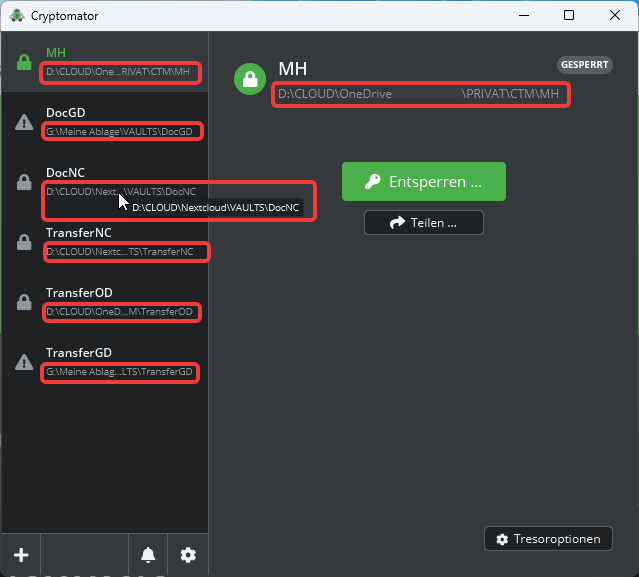
Well, I had a lot of issues with the learning curve with cryptomator, Mostly with duplicate vaults that I couldn’t find. I am using pcloud and want to use cryptomator to encrypt my sensitive files. In trying to learn, I had duplicate vaults & it was a mess. So, what I did was open a new pcloud account that I will reload with all my files & then add the cryptomator folder and encrypt the files BUT this time I am only making one folder named encrypted with cryptomator & want to be sure I understand it so I do it right. Can you confirm what I will do is correct??
1, create the pcloud account & add my files to pcloud & once done, make a folder in pcloud and I will label it encrypted with cryptomator << this way I KNOW everything I will put in there will be the right place & encrypted.
2, go to the cryptomator app on IOS & add my vault using my email ( completely new so no previous vaults that I cannot find wont occur)
3, once added I will add my folder that I created in pcloud >> encrypted with cryptomator as the folder to encrypt, then ( here is where I want to be SURE I do it right) move my files from the pcloud folders that are not encrypted & move them to encrypted with cryptomator & once done & they are there, go back to the unencrypted files in pcloud & delete them ( as they are not in the encrypted folder) is this correct?? When you “move “files or folders they remain in pcloud so, to be sure only encrypted files are available, i need to “delete” the files/folders that are unencrypted correct.?
I believe once I move my files from my unencrypted folder in pcloud to the encrypted with cryptomator folder with pcloud & delete the files I will successfully have set up pcloud??
Is this the same process to add a encrypted cryptomator folder in google drive as well??
I hope this is the way to set up cryptomator…