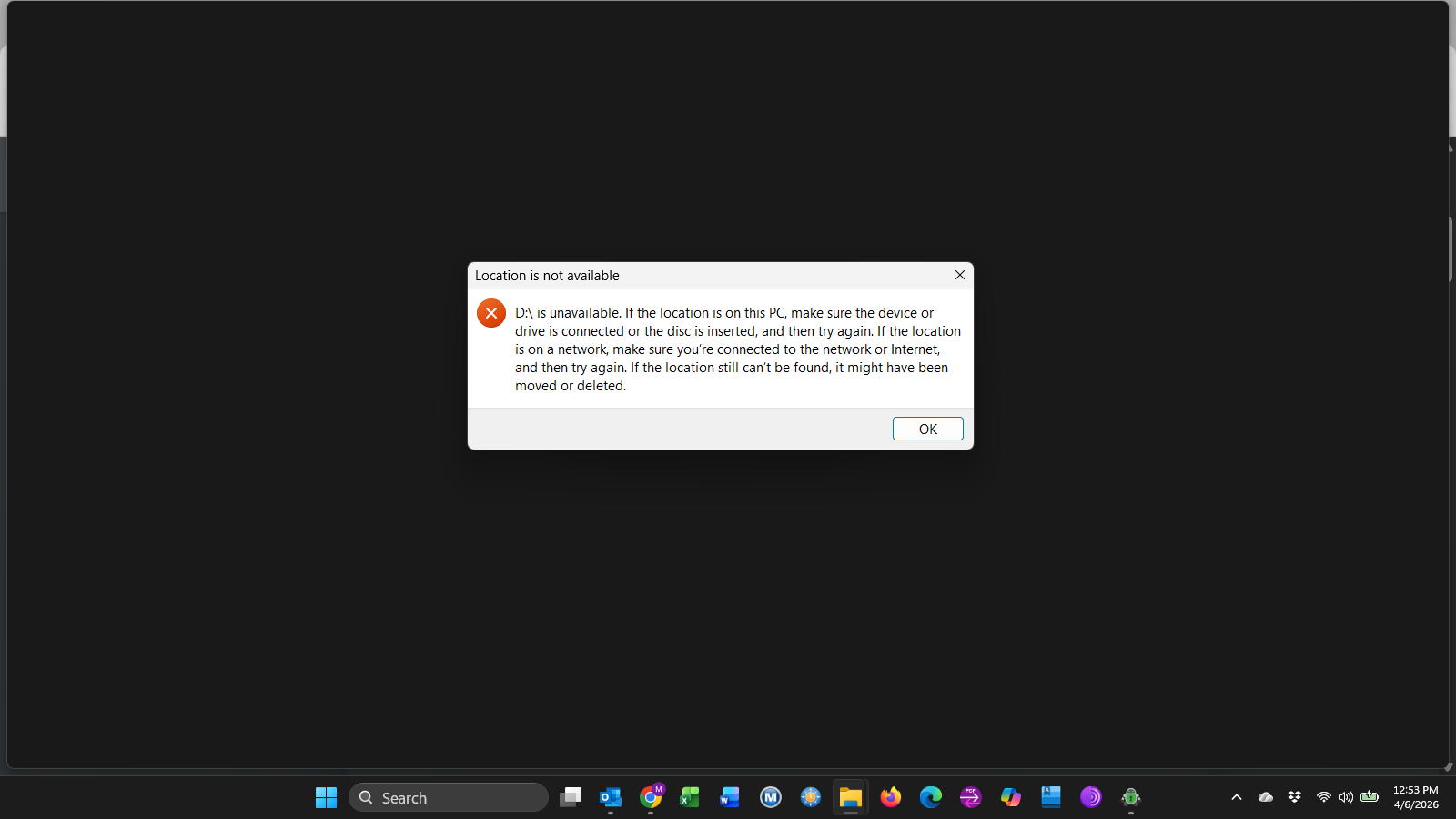
Hi, just downloaded Crypomator yesterday and I created Vaults on OneDrive and also Dropbox and copied 1 folder to each Vault as a test to see how this works. I’m using Win 11 Pro and the desktop app.
My question is if I load the app and LOCK both the vaults, I can still see the files I added on Windows file Expoler and also when I log in on the web to OneDrive and Dropbox.
Also when I go to “Reveal Drive” in the app I get a Location Not available error? Yet Onedrive and Dropbox are connected to my PC.
If you see your files unencrypted after you have locket your vault, the files are not stored in your vault.
I assume you have copied your files to your vault storage path. The path you selected during vault creation, where Cryptomator creates your encrypted files (aka your vault). This folder contains the vault.cryptomator file, the masterkey.cryptomator file and a couple of other files together with a folder “d”.
Do not copy/move/delete anything in that folder, except you are very aware what you are doing. As this might and probably will damage your vault and in the worst case you’ll loose your encrypted files.
To encrypt files, you’ll have to store them in the virtual drive that appears as soon as your vault is unlocked.
In your case it seems to be configured that the virtual drive for your vault is D: and there seems to be a problem with it.
Either the letter is already used or anything else. Please have a look in your vault configuration and make sure the Mount Point is selected properly (usually automatic, but you can configure dedicated drive letters. But you have to make sure they are free and not already in use)
And as you are already in this option menu, please also check the volume type. I recommend to set it to “Standard (WinFsp (Local Drive))”
Thank you. I tried again today and all is well. The Virtual Drive opened fine with no errors on Dropbox and Onedrive. It looks like I had 2 folders that were encrypted and one not on each. I deleted them and redid to the virrtual drive (D) and now are encrypted.
I think what I did was just add folders to the MYFIles Folder in Dropbox through Windows File Explorer and not through the virtual drive. I’m learning! Thanks again .